Scan to DWG
Accurate 2D CAD drawings created from laser scanning and point cloud data.
Scan to DWG eliminates inaccuracies found in outdated or incomplete drawings by providing verified geometry based on real-world measurements.
Why use Scan to DWG?
- Accurate representation of existing conditions
- Reliable base for renovation and design projects
- Reduced risk of errors and rework
- Faster decision-making with verified data
- Suitable for architectural, structural and MEP workflows
Typical applications of Scan to DWG
- Renovation and retrofit projects
- Architectural surveys
- As-built documentation
- Design background drawings
- Clash verification and space planning
- Legacy drawing verification
From scanning to documentation
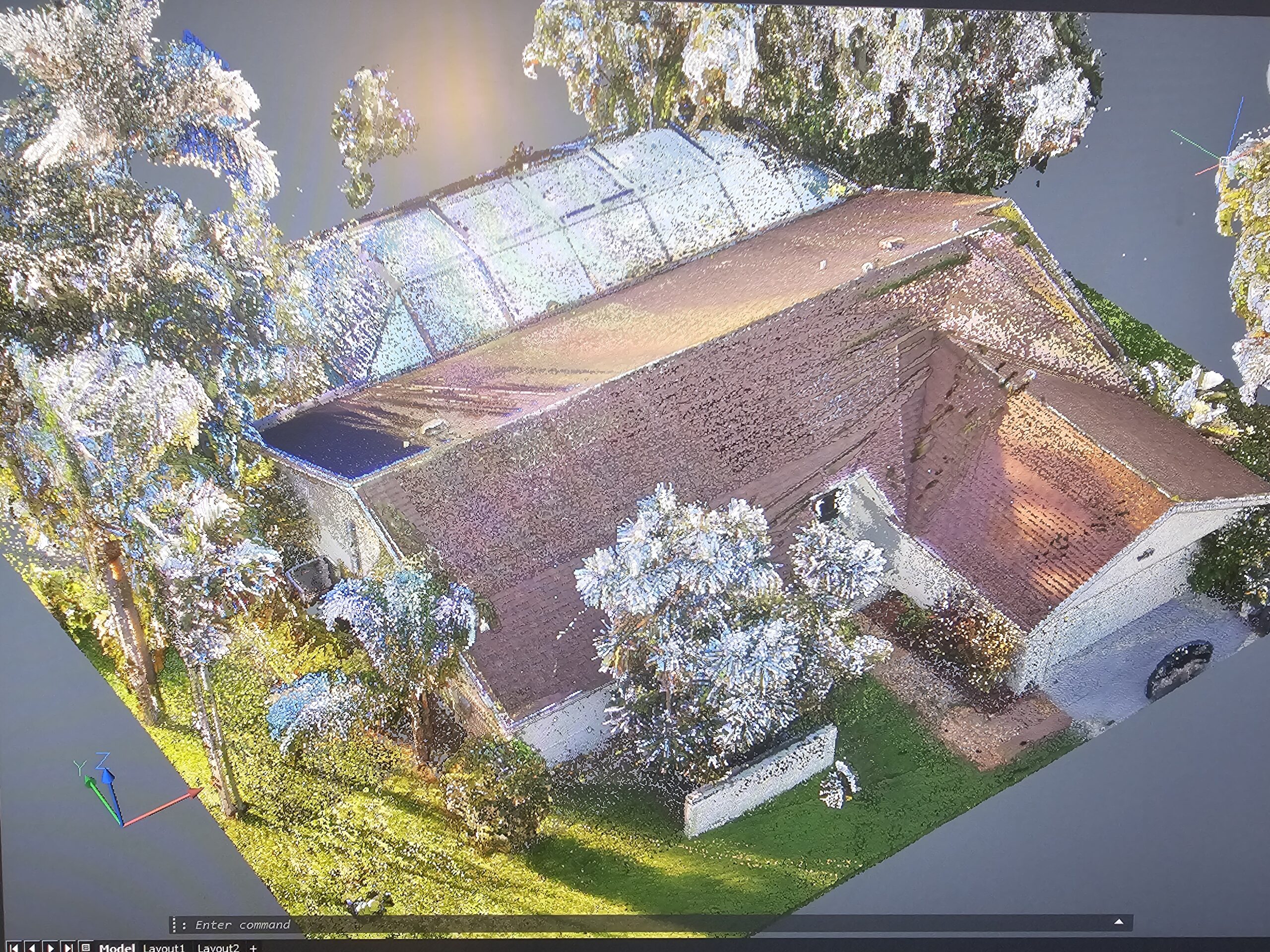
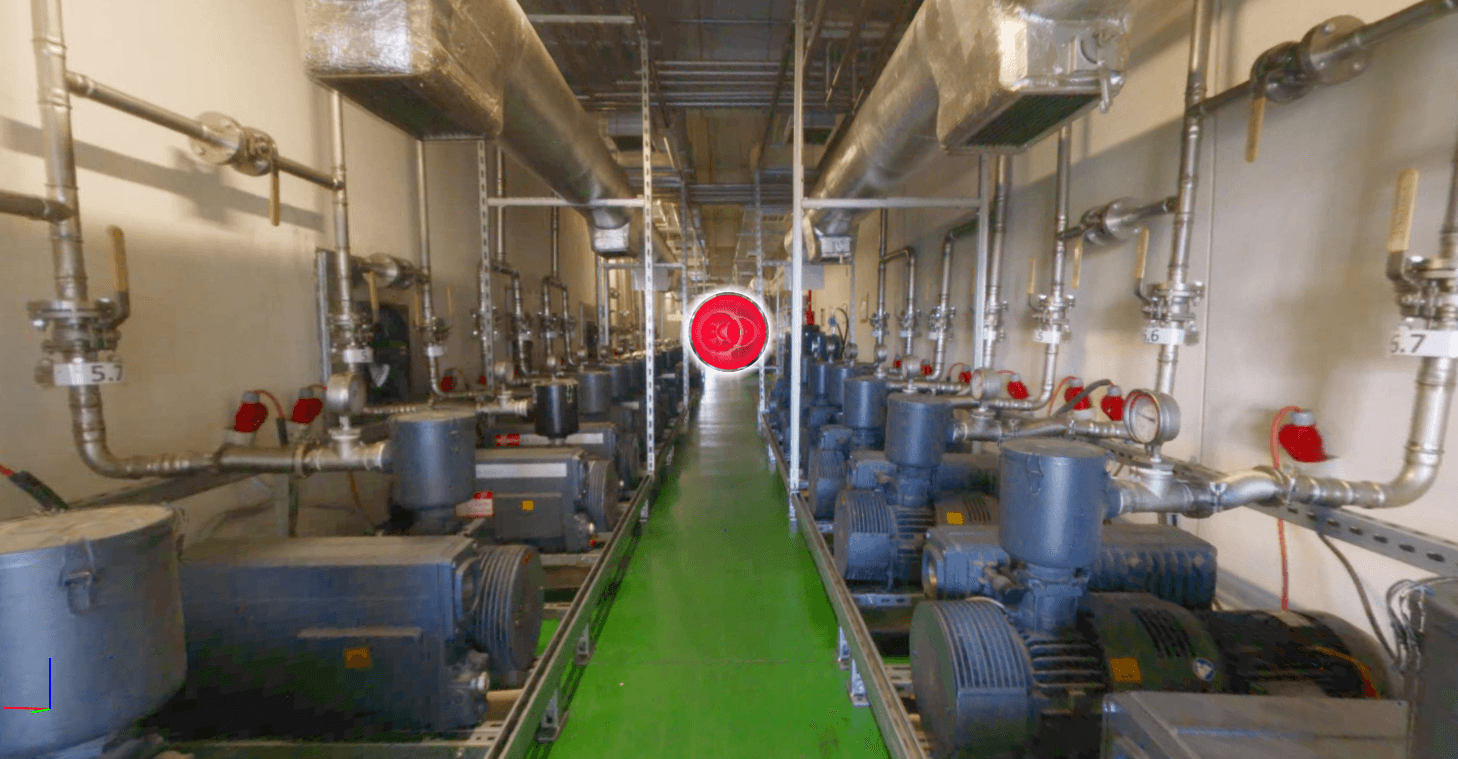
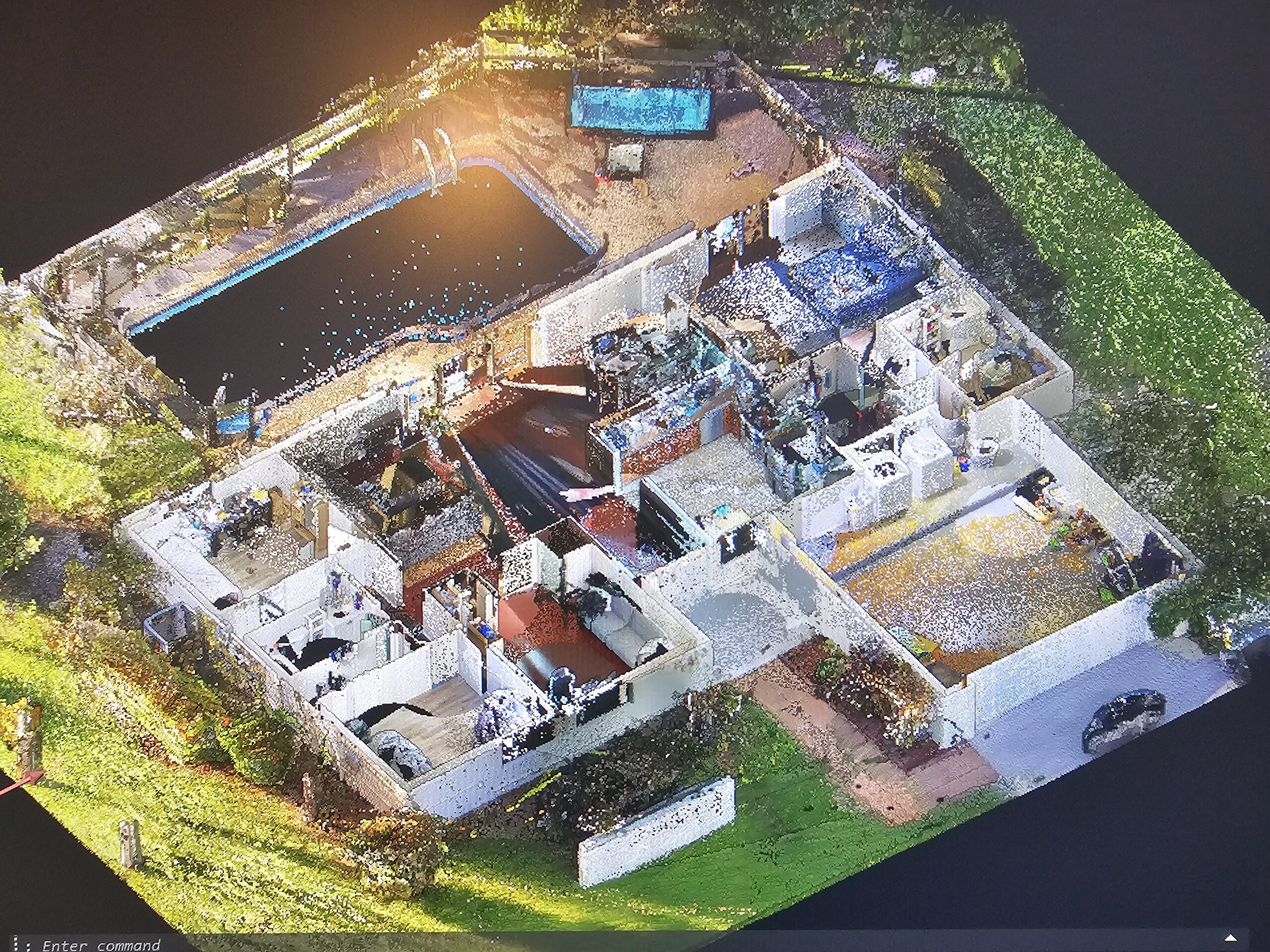
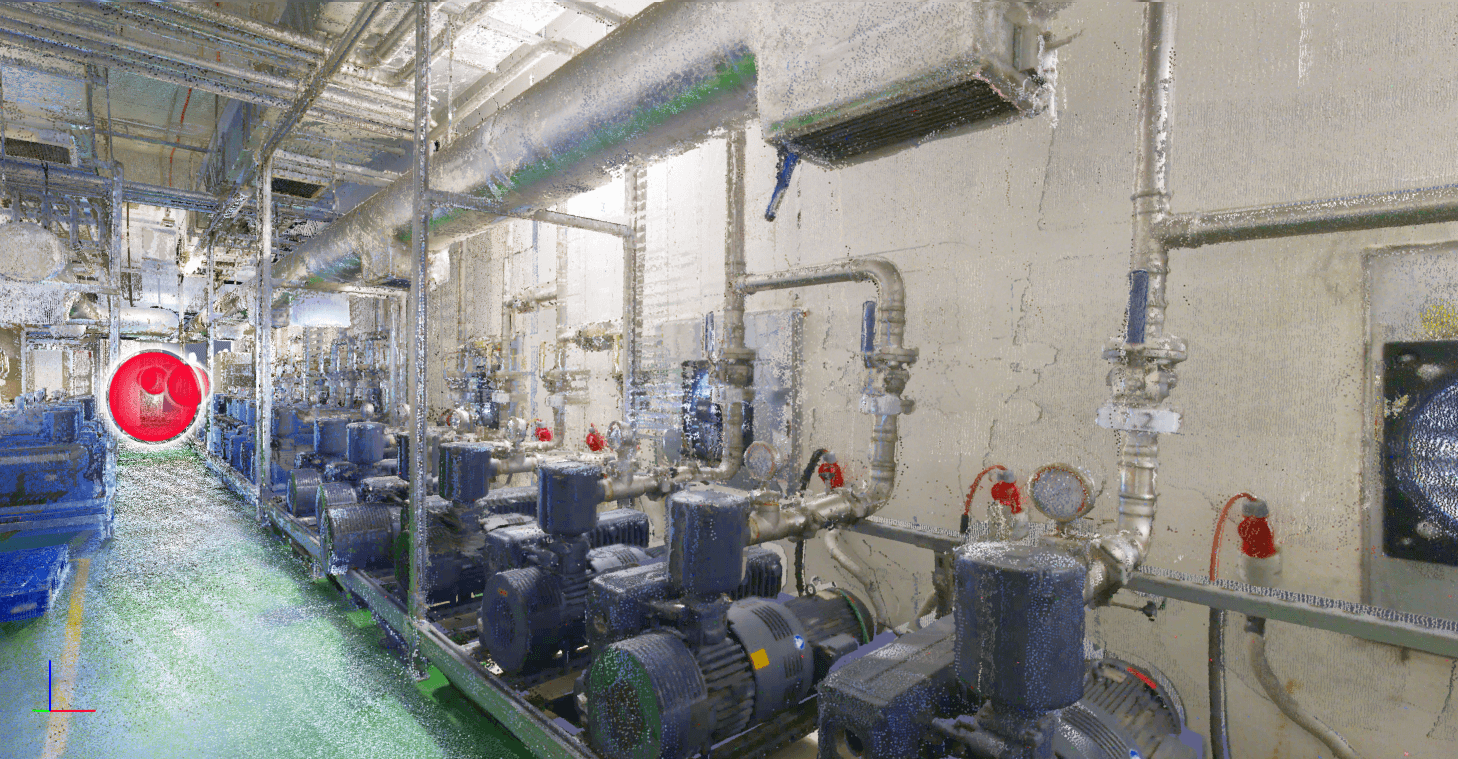
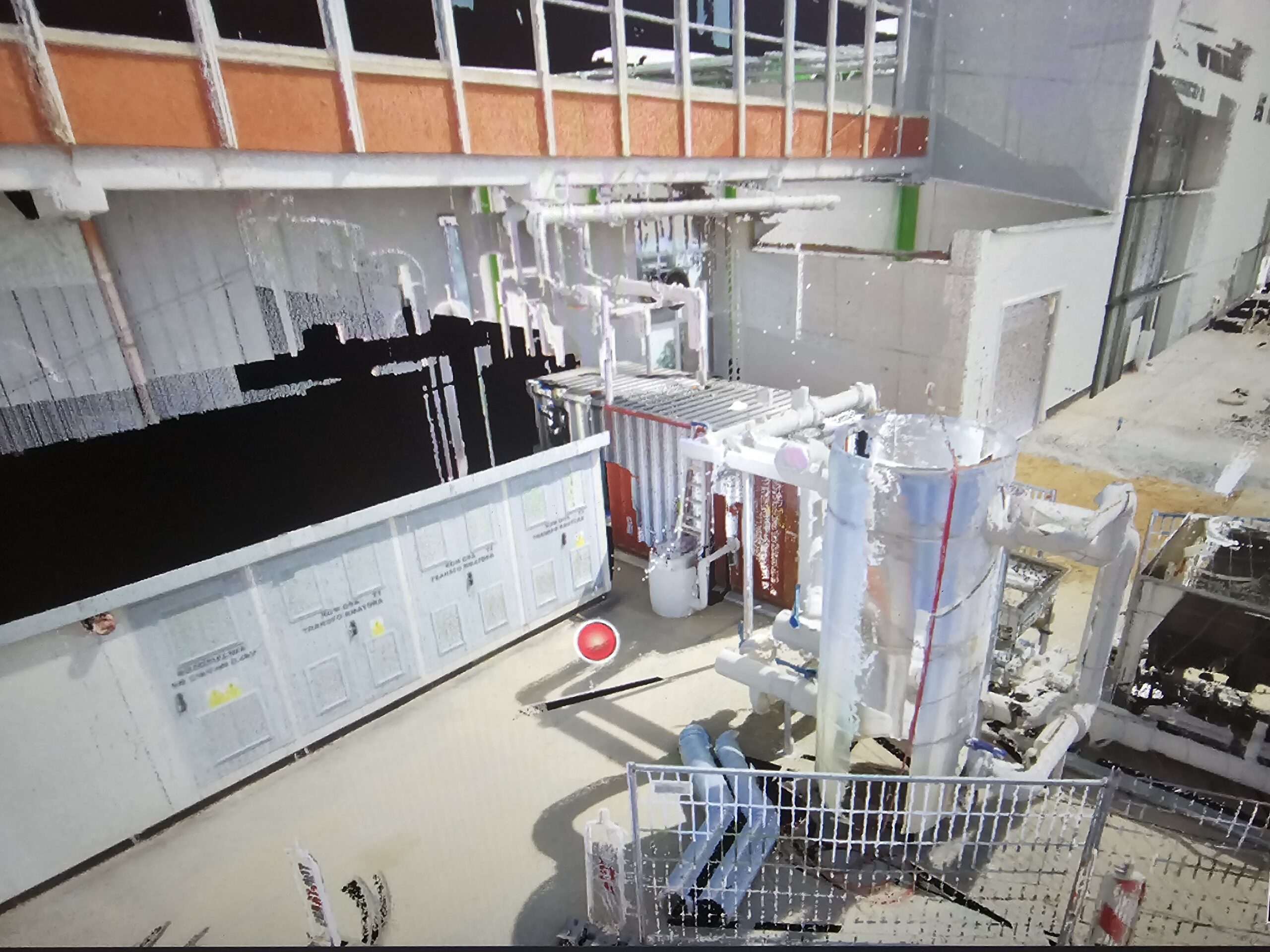
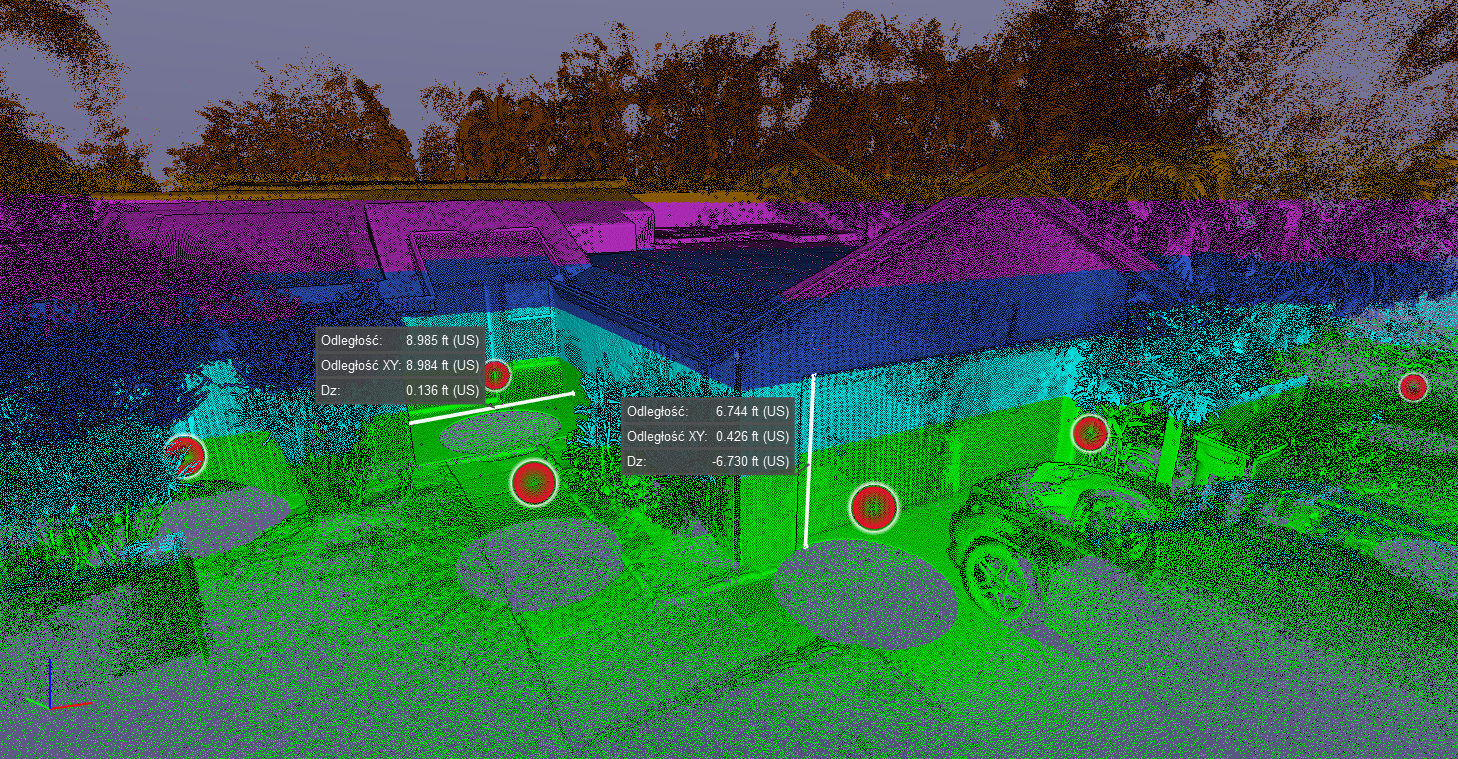
Scan to DWG is the process of converting laser scan or point cloud data into precise 2D CAD drawings. These drawings represent the actual, built condition of a structure and are commonly used for design, renovation, and documentation purposes.


From 3D Scanning to CAD & BIM
Scan to DWG is typically part of a broader workflow that starts with 3D laser scanning, continues with accurate as-built drawings, and can be extended into Scan to BIM for advanced design and coordination.
After using our services you can receive:
- Point cloud files for further processing – E57, LAS, LGSX, PTX, PTC, RCP
- 2D drawings of the space with additional elements – DWG, PDF
- 3D models with modeled space and elements from the point cloud – RVT, IFC





WHY 3D ENERGY?
- Engineering and technical background
- High accuracy and quality control
- Experience in construction and industrial projects
- Data prepared for CAD and BIM workflows
- One provider: scanning, drawings, and documentation
FAQs
1. What types of drawings can be delivered in DWG format?
We deliver floor plans, sections, elevations, reflected ceiling plans, and other technical drawings tailored to project requirements.
2. How accurate are Scan to DWG drawings?
Accuracy depends on the scan quality and project scope, but Scan to DWG drawings are typically produced with millimeter-level precision suitable for professional design and construction use.
3. What input data is required for Scan to DWG?
Scan to DWG drawings are created from laser scan point clouds, LiDAR data, or other reality capture sources provided by the client or captured by our team.
4. How is Scan to DWG different from Scan to BIM?
Scan to DWG focuses on 2D CAD documentation, while Scan to BIM results in a 3D model with parametric elements. Scan to DWG is often faster and more cost-effective for 2D documentation needs.
5. How long does a Scan to DWG project take?
Project duration depends on building size, complexity, and required level of detail, but Scan to DWG is generally faster than manual measurement and redrawing methods.



Examples of our work: